Screen Time and Smart Device Use for Children: Part 2 – The Future Digital World and the Ideal Vision for a Child (Plus Practical Tech Tools for Parents)
In Part 1, we explored research and the idea that smart devices shouldn’t become a “forbidden fruit.” Instead, children need to learn how to use them consciously and wisely.
Now we’ll take it one step further:
✅ Where is the digital world heading?
✅ What positive and negative effects can we expect for child development?
✅ What should an “ideal” digital environment look like—one that helps rather than harms?
✅ Which technical tools are already available today to help parents build that environment?
1) Where Is the Digital World Heading? What Can We Expect in the Near Future?

Until recently, a phone was mostly seen as a simple “screen for the child.” But in the coming years, it will increasingly become a helper, teacher, translator, idea generator, advisor, and sometimes even a conversation partner.
And this won’t only apply to “IT people” or “creative professionals.” AI tools will enter almost every profession, because they can do something extremely valuable: process information quickly, write, analyze, structure, and automate routine work.
Here are some numbers that help parents understand the scale:
-
McKinsey predicts that by 2030, AI (especially generative AI) could automate around 27% of working hours in Europe and 30% in the US. That does not mean 30% of jobs will disappear—but rather, 30% of tasks inside many jobs will change dramatically.
-
In some scenarios, the technical potential for automation is even higher. In a McKinsey 2025 analysis, it’s mentioned that agents and robots could theoretically perform 60–70% of today’s global work hours (this is potential, not a guarantee—but it clearly shows the direction).
-
The OECD adds another uncomfortable reality: about 28% of jobs in OECD countries are in a high automation-risk zone, especially routine-based roles.
For parents, this means one simple thing:
👉 Our children will most likely live in a world where a large part of “mechanical work”—and even some intellectual routine tasks—will no longer be a human responsibility.
What will AI replace the fastest?
AI usually takes over tasks that are:
-
repetitive
-
predictable
-
structured (texts, tables, documents)
-
template-based
Examples include: customer responses, simple reports, translations, document preparation, information searching and reorganizing, even parts of programming or marketing copywriting.
What will remain human (and become even more valuable)?
Here’s the good news: there are skills AI can support, but cannot truly replace.
Human value will remain—and increase—in:
-
judgment (what to do with information, not just finding it)
-
ethics and responsibility (where the line is, what is right)
-
empathy and relationships (real presence and emotional support)
-
meaningful creativity (not just “generate an image,” but creating direction and purpose)
-
critical thinking (distinguishing truth from something that merely sounds convincing)
-
working with people (not only with data)
-
self-regulation (choosing, stopping, finishing)
This is the big parenting task of the 2025–2035 reality:
Your child will have an easier time than ever getting an answer—but it will be harder than ever to learn how to:
👉 ask good questions,
👉 decide what to trust,
👉 hold attention and inner discipline.
So future digital literacy is not only about “knowing how to use technology.” It’s the ability to stay human in a world where systems can do almost everything.
2) What Can the Digital World Give a Child’s Development—Good and Bad?

✅ Benefits (when the digital environment is built well)
The digital world can become a powerful developmental support if it helps children:
-
learn through curiosity (not pressure)
-
create (not only consume)
-
develop language and logic
-
receive support at their individual pace (especially with AI tools)
-
explore the world beyond their city or country
OECD resources emphasize something important: it’s not only about “how long” children spend on screens—it’s about what they do in the digital environment and how it relates to their well-being:
https://www.oecd.org/en/publications/how-s-life-for-children-in-the-digital-age_0854b900-en/full-report/how-children-use-digital-media_a8d3a6d0.html
⚠️ Risks (when the digital environment is left on autopilot)
The most common risks in future digital childhood:
-
decreased sleep quality
-
difficulty stopping (habit formation)
-
passive consumption becoming dominant
-
exposure to disturbing content too early
-
comparison culture and self-esteem risks
-
privacy, data, advertising, manipulation
The WHO highlights that especially for young children, the priority is preventing screens from replacing sleep, movement, and relationships.
WHO (2019) guidelines (PDF):
https://apps.who.int/iris/bitstream/handle/10665/325147/WHO-NMH-PND-2019.4-eng.pdf
WHO short article:
https://www.who.int/news/item/24-04-2019-to-grow-up-healthy-children-need-to-sit-less-and-play-more
3) What Should an “Ideal Digital Environment” Look Like—So It Becomes a Source of Learning From Early Childhood?
If we want the digital world to support child development, we need to understand one key principle:
📌 A child doesn’t need “more screen time.” A child needs better content + better structure.

Here are the core building blocks of an “ideal environment.”
🧩 a) Content that develops the child (not just keeps them busy)
Developmental content usually:
-
sparks questions (“why?”)
-
encourages thinking and exploring
-
invites movement or real-life experimentation
-
supports language development
-
doesn’t rely only on loud stimuli and fast editing
In the ideal world, “digital content” for a child is like a library: high-quality, organized, carefully selected.
🧠 b) A digital environment that trains skills—not just fills time
The key skills that digital experiences can and should help children develop:
-
attention management
-
information literacy (what is trustworthy?)
-
emotional awareness (how do I feel after this content?)
-
online social skills
-
creativity (making things)
-
basic digital safety
UNESCO emphasizes that digital education must be human-centered—not technology worship, but skills, safety, and meaningful development:
https://unesdoc.unesco.org/ark:/48223/pf0000386693/pdf/386693eng.pdf.multi
🔁 c) Content that has an “exit into real life”
Ideal digital content for children is not the final destination—it’s the beginning.
Examples:
-
video about birds → go for a walk and observe birds
-
video about colors → draw, mix and experiment
-
video about emotions → talk, role-play, play together
We can also include videos with social stories that can be turned into sensory learning games afterward; songs, counting rhymes, movement games—including activities supporting early reading skills and math; learning about different lifestyles around the world, habits, cultures, nature. Online games where children from different countries role-play social stories and communicate with new friends.
This is what will separate “screen consumption” from “digital learning” in the future.
4) Educational Digital Resources for Children (and Idea Libraries for Parents)
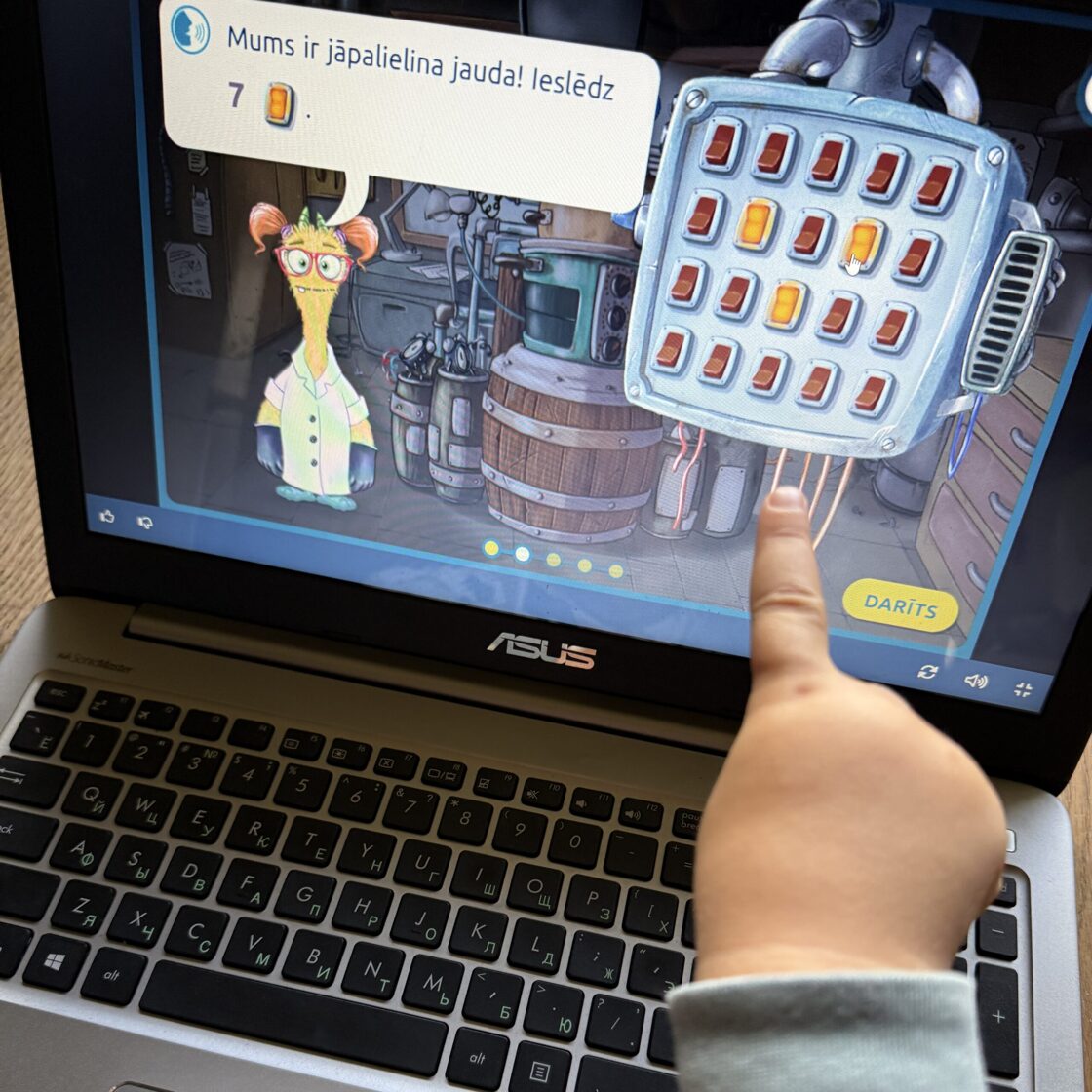
A) Coding and problem-solving (kids often love this—and it quickly builds logic + creativity)
-
Scratch — free platform where children build their own games, animations, and stories (from consumer → creator).
https://scratch.mit.edu/ -
ScratchJr — for younger kids (around 5–7), a friendly “first coding” tool for building stories.
https://www.scratchjr.org/ -
Code.org — interactive lessons and gamified tasks for programming basics (including AI topics).
https://code.org/
https://code.org/en-US/curriculum/computer-science-fundamentals -
Micro:bit Educational Foundation — “build + code” projects (an excellent bridge between digital and real-world learning).
https://microbit.org/projects/make-it-code-it/
https://microbit.org/
Why these tools are unique: they train “if → then” thinking, debugging, patience, and creative project-making—not just watching.
B) Critical thinking and anti-disinformation games (extremely important in the algorithm era)
-
Bad News — a game where you “play the villain” to understand manipulation tactics (strong media literacy training).
https://www.getbadnews.com/en -
Bad News Junior — a child-friendly version (featured in European media literacy resource catalogues).
https://belux.edmo.eu/educational-tools/bad-news-junior/
What it teaches quickly: “How am I being influenced?”, emotional manipulation, fake authority, sensationalism, and “Why is this being shown to me?”
C) AI literacy for children (the next generation will face it earlier than we’d like)
-
Minecraft Education — “Read Smart: AI Detective” (AI/media literacy through an interactive detective story; learning to verify sources, recognize deepfake logic, and more).
(About release and content)
A strong “big-picture” framework parents can also mention:
-
UNESCO — Generative AI guidelines in education (a solid base to understand what is safe/ethical/meaningful).
https://unesdoc.unesco.org/ark:/48223/pf0000386693/pdf/386693eng.pdf.multi
https://www.unesco.org/en/digital-education/artificial-intelligence
D) The “golden triangle” of digital creativity: stories, design, self-expression
-
Book Creator — children create books and stories with text, voice, and images; a powerful format for creation.
https://bookcreator.com/
(This is a perfect place to add concrete activities in Part 3: “make a photo story about your day,” “invent a fairy tale + record your voice,” “create a mini encyclopedia about a topic.”)
Resources for parents: where to get ideas—not just rules
-
Better Internet for Kids — EU portal with materials for parents and educators (many languages, European perspective).
https://better-internet-for-kids.europa.eu/en/resources -
Drošāks internets — Latvian resources for kids/parents: games, tasks, tests, and practical guides.
https://drossinternets.lv/lv/materials/listall/berniem
(For parents — parental control tools guide PDF) -
Common Sense Media — family planners and practical conversation tools for parents.
https://www.commonsensemedia.org/family-tech-planners
5) Which Parental Control Tools Are Available Today (and Where to Find Them)?
Many parents assume building a safer digital environment requires buying a special app or being an IT specialist.
In reality, most essential tools are already built into phones, tablets, computers, and game consoles—we just often remember them only when the child has already learned:
“I know where to click.” 😅
And honestly, these tools are not meant for “controlling the child.” They are meant to reduce daily chaos like:
-
“Just five more minutes!” (and it turns into 40)
-
“It suddenly showed a horrible video!”
-
“He only wanted a game, but now he’s stuck in YouTube Shorts…”
-
“How did he even buy that?!”
The simplest principle is this:
👉 Don’t control the child—structure the environment, so boundaries stay in place even when the parent isn’t nearby.
Where to find the tools (a quick “map” for parents)
✅ If your child uses iPhone/iPad → Apple Screen Time / Family Sharing
https://support.apple.com/en-us/105121
https://support.apple.com/en-us/108806
✅ If your child uses Android or Chromebook → Google Family Link
https://families.google/intl/sw/familylink/
✅ If you have a Windows PC or Xbox at home → Microsoft Family Safety
https://www.microsoft.com/en-us/microsoft-365/family-safety
✅ If your child plays on Nintendo Switch → Nintendo Parental Controls
https://www.nintendo.com/us/mobile-apps/parental-controls/
💡 You don’t need to become an extreme “control parent.” Usually 20–30 minutes of setup once is enough, and afterward it runs quietly in the background.
6) What These Tools Actually Help You Achieve (Without Daily Arguments)
Most parents use these tools to organize three things: time, content, and purchases.
1) Time (when the screen is available at all)
Real-life example: a child “calms down with a cartoon” in the evening, but afterward refuses bedtime—and the whole fight begins.
Time limits help because:
-
after 19:30 (or 20:00), the phone/tablet automatically becomes unavailable
-
the parent doesn’t have to become the “bad cop”
2) Content (to avoid “surprise exposure”)
Example: a child watches an innocent video and the algorithm suggests something scary, too mature, or simply bizarre.
Helpful tools:
-
age restrictions
-
content filters
-
separate child profile (not using the parent’s account history)
3) Purchases and downloads (to prevent “oops” situations)
Example: a child “just wanted a new game” or clicked something accidentally—and suddenly there are payments, ads, or ten new apps.
Helpful tools:
-
approval before purchases
-
approval before downloads
-
payment restrictions
7) The Minimum “Tech Setup” Parents Should Aim For (A Safe Digital Environment Checklist)
If I had to summarize the ideal technical setup in one short vision, it would look like this:
✅ the child has a separate profile/device (not the parent’s phone)
✅ there is a time framework (e.g., the device “locks itself” in the evening)
✅ there is content filtering (web + apps, age level)
✅ there are app limits (not only total daily screen time)
✅ purchase control is enabled (downloads/payments require approval)
✅ for younger children: “single app mode,” so the screen doesn’t become endless wandering
✅ (small addition that often has a huge impact):
the device does not stay in the bedroom at night
Not because it’s “forbidden,” but because for children (and adults too), sleep matters more than any content.
This is not a prison—it’s the digital seatbelt principle:
We don’t punish a child for being a child. We build an environment where it’s easier to succeed.

Conclusion
The digital world will be your child’s world. We cannot cancel it.
But we can:
-
understand where it is heading;
-
predict the risks and opportunities;
-
and create an environment where a child grows with technology—not in its shadow.
In the next Part 3, we’ll go fully practical: how to live at home with children and screens without wars, guilt, and chaos—with clear steps and developmental activities.